Editor and previews

See your post before
your audience does.

Write once for LinkedIn and X, or a version for each. The preview next to the editor shows where each platform cuts your text and how your media lays out, as you type.

Start free trial

7-day trial · No credit card required

Live previews for LinkedIn and X

The preview updates as you type. Switch platforms to see each layout, with X threads, quote posts and link cards, and LinkedIn carousels, documents and video.

  • Updates as you type
  • Images, video, carousels and documents in place
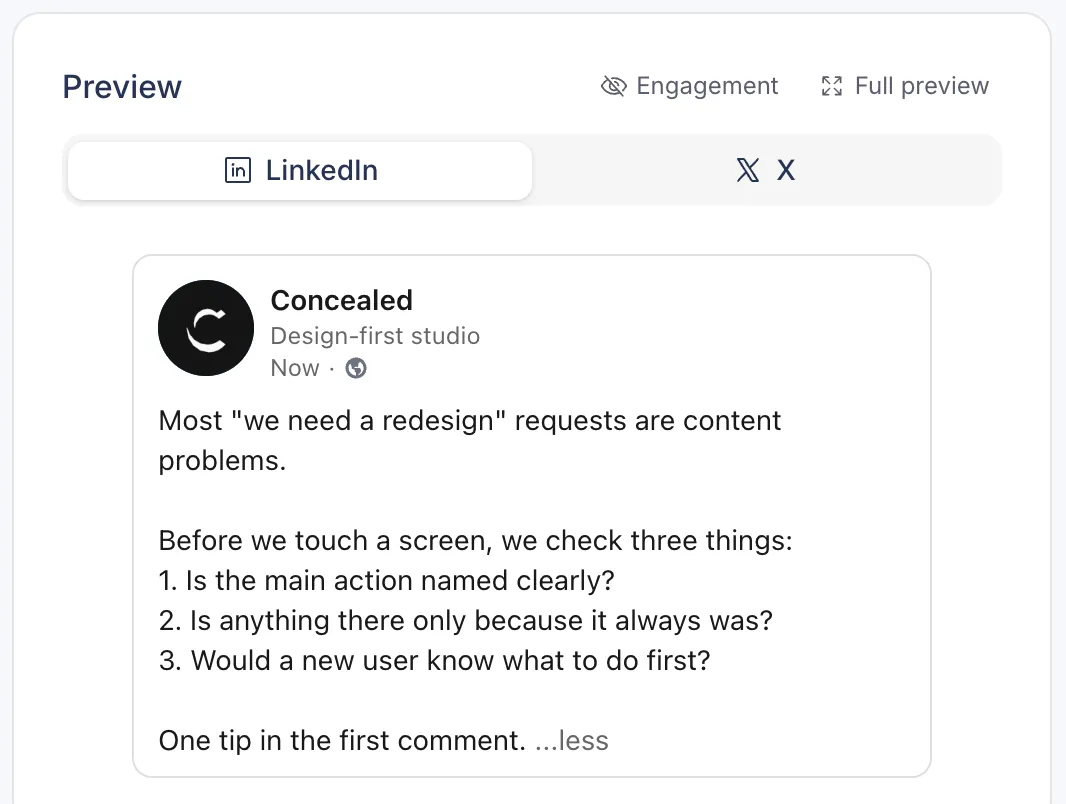
LinkedIn preview in Postopus with LinkedIn and X tabs, showing the whole post

3,000Characters per LinkedIn post, 1,250 per first comment

LinkedIn limits

The counter shows how much room is left as you type.

280Characters per X post, 25,000 when your X account has Premium

X limits

Every link counts as 23 characters and every emoji as 2, the way X counts.

The cut, where it falls

LinkedIn shows the first lines of a post and a ...more link; X shows Show more on long posts. The preview cuts your post at the same place, so you can check what people read first.

  • LinkedIn ...more cut
  • X Show more cut
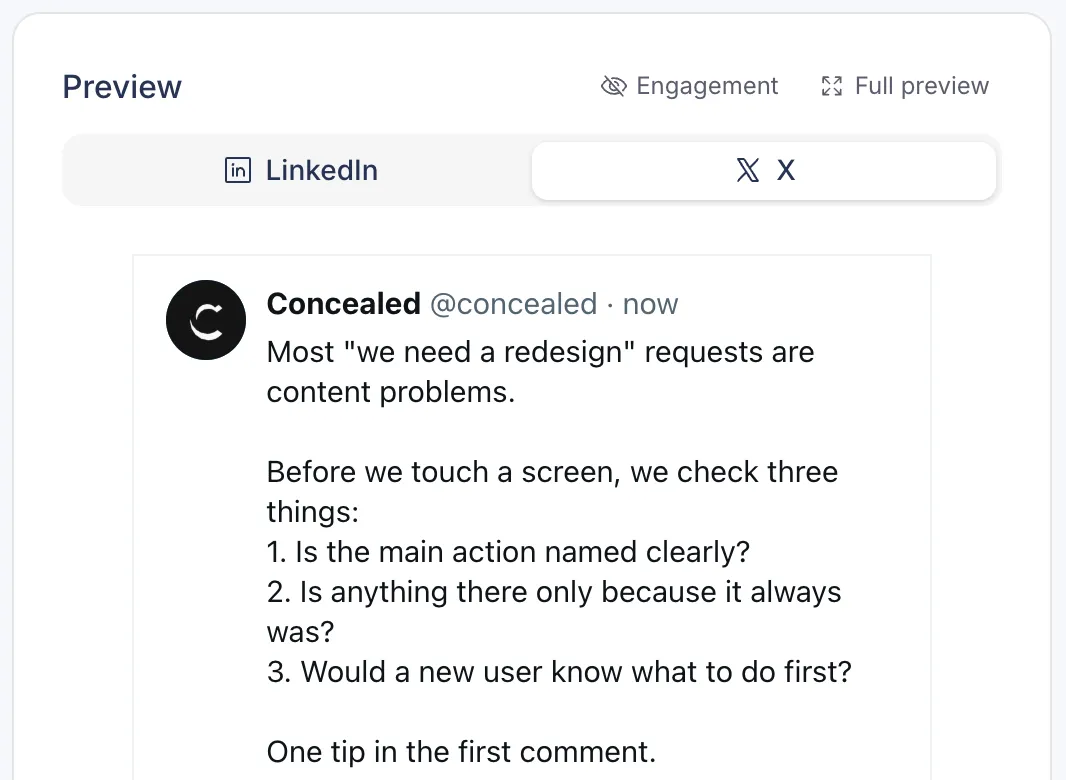
X preview in Postopus showing the post as X lays it out

Threads

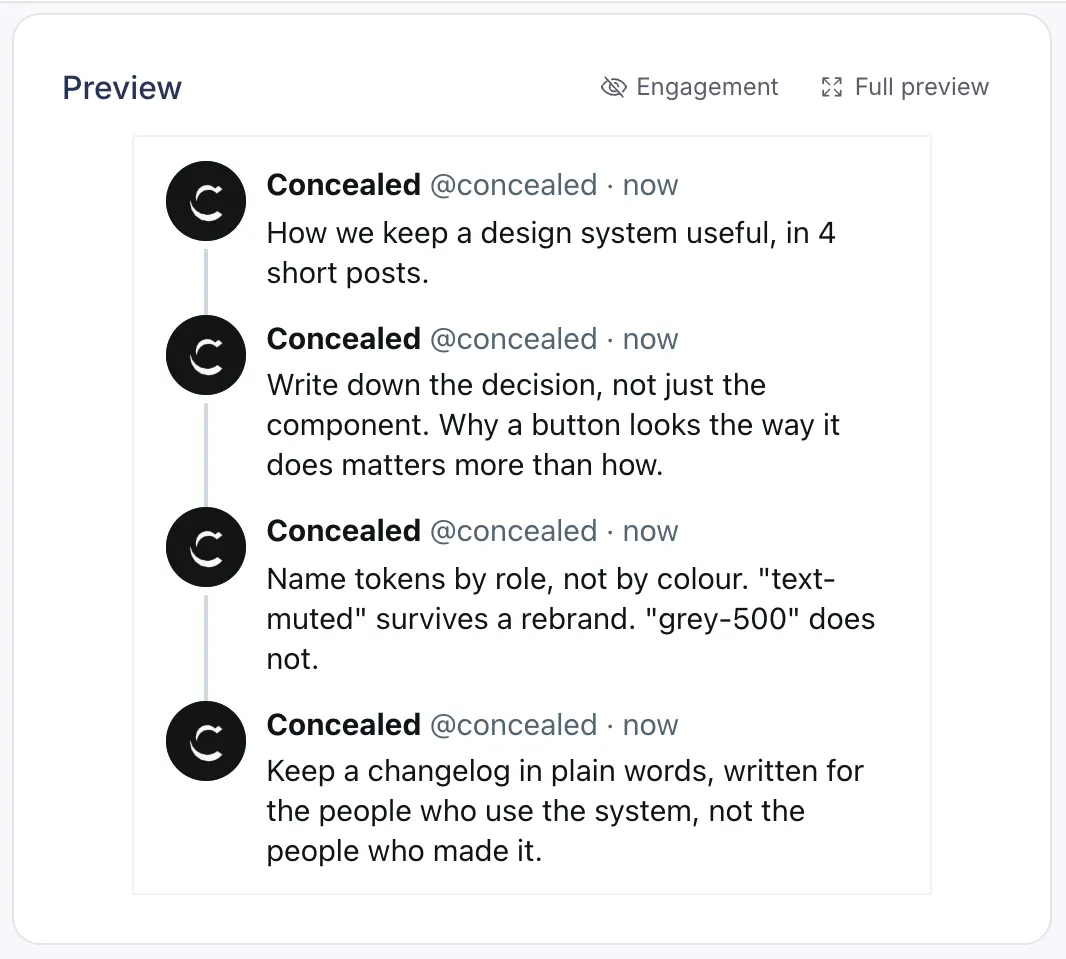
Write an X thread post by post, or split long text into a thread in one click, and preview the whole thread.

X preview in Postopus showing a thread of four posts

One post, two versions

Keep one text for both platforms, or customise each one with its own words, media and first comment. With both on one text, the lower limit applies.

  • LinkedIn visibility and X reply settings per post

Carousels and templates

Turn images into a LinkedIn carousel and Postopus builds the PDF. Save formats you repeat as templates with {placeholder} spots you fill in.

  • Post and first-comment templates

FAQ

Common questions

Which platforms have previews?

LinkedIn and X, the two platforms Postopus publishes to.

How close are the previews to the real post?

They follow how LinkedIn and X lay out posts today, including where long text is cut. The platforms change their apps from time to time, so check the live post after it publishes.

How does the X counter count?

Each link counts as 23 characters. Every emoji counts as 2, including combined ones like a family, flags and skin tones, and so do Chinese, Japanese and Korean characters. Letters in most alphabets and everyday punctuation count as 1. These are X's own counting rules.

Can I preview images and carousels?

Yes. Images, video, LinkedIn carousels and PDF documents show in the preview before you publish.

Can someone outside my workspace see the preview?

Yes. Send a read-only share link to the post. They can see it without an account.

Write your next post with Tako

Free for 7 days, then pick a plan. Every plan has every feature.

7-day trial · No credit card required