
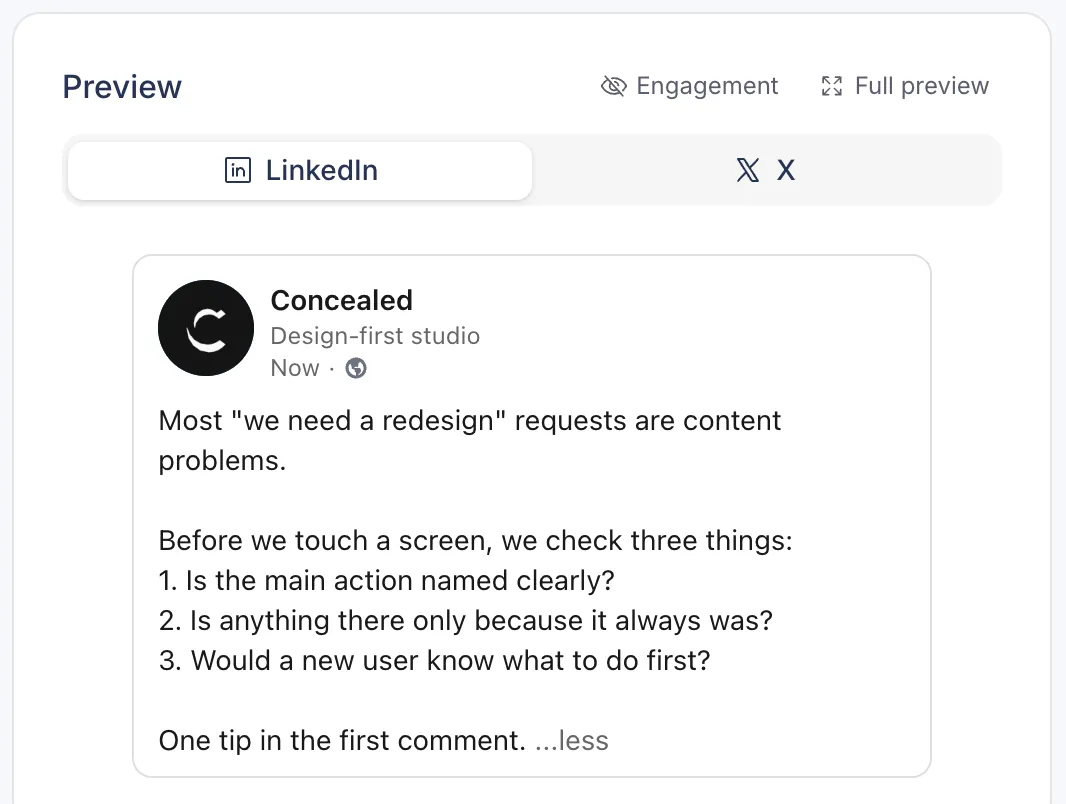
Preview
A live LinkedIn preview
The preview updates as you type and cuts your post where LinkedIn shows ...more, so you can see what people read before they decide to open it.
- Updates as you type
- Counter: 3,000 characters per post, 1,250 per comment
LinkedIn scheduling
LinkedIn shows a few lines of your post before the ...more link. Postopus previews your post at that cut while you write, publishes it to your profile at the time you set, and posts your first comment right after.
7-day trial · No credit card required
Preview
The preview updates as you type and cuts your post where LinkedIn shows ...more, so you can see what people read before they decide to open it.
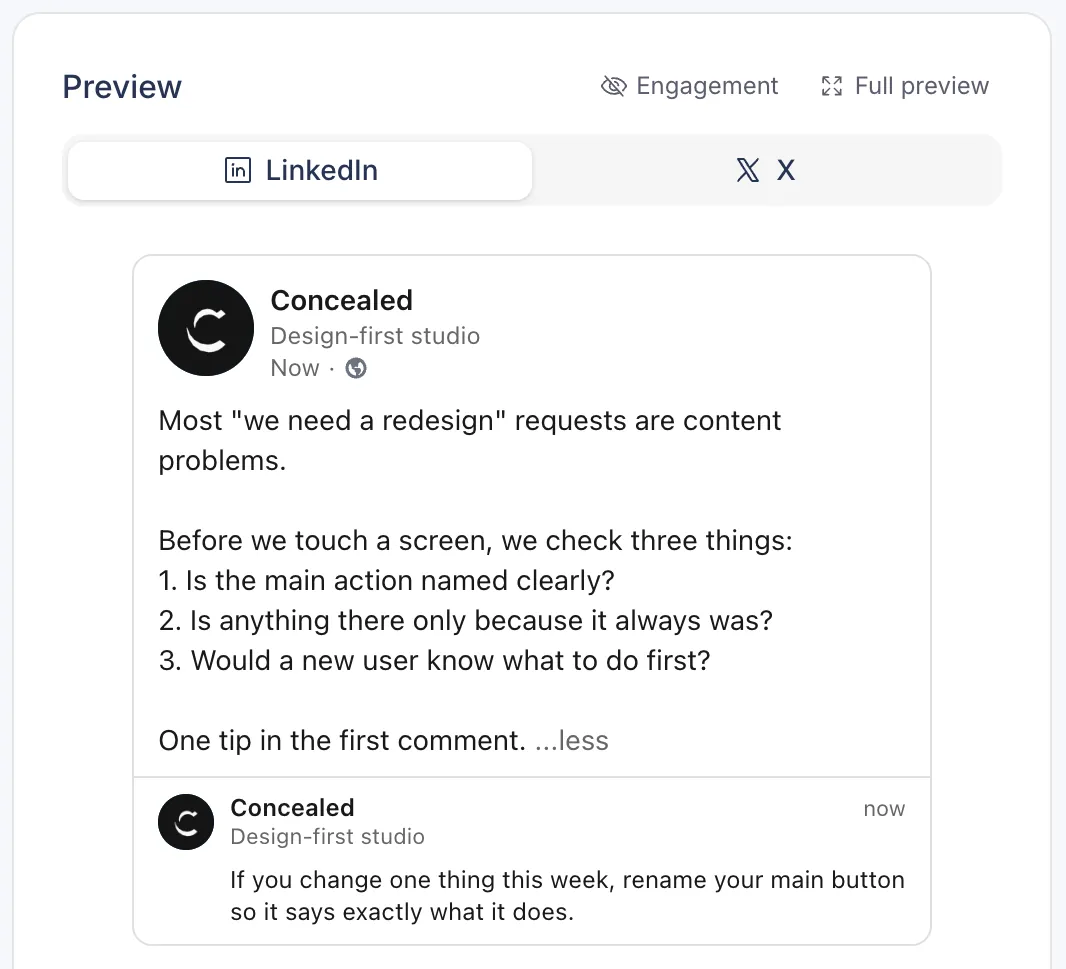
First comment
Write the first comment with the post, for a link or extra context, and Postopus posts it right after the post goes live. You can also repost the post later with new commentary.
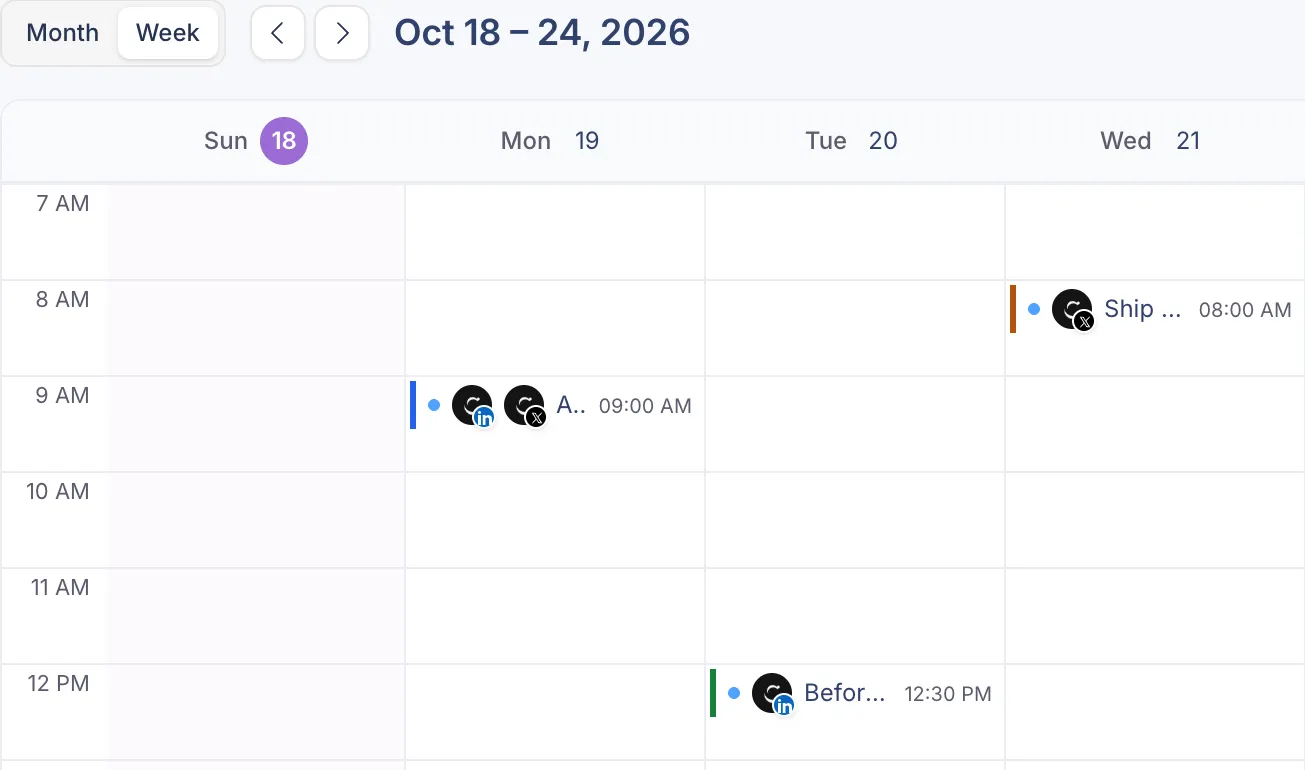
Calendar
See every scheduled post on a calendar, drag to move one, and fill weekly time slots with Add to queue.
20Images in one carousel
Add up to 20 images and Postopus turns them into a carousel PDF, or attach your own PDF document or a video. All of them show in the preview.
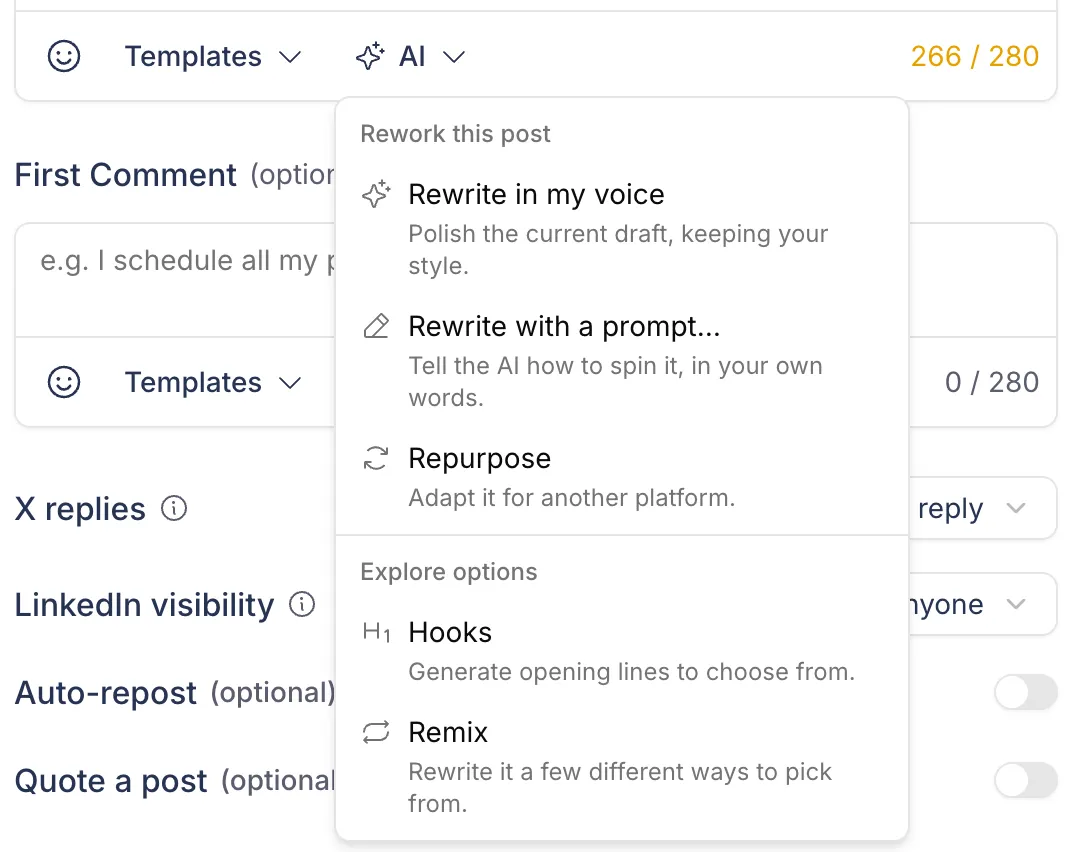
Draft from an idea, rewrite in your voice or get a few opening lines. Every suggestion lands in the editor for you to change.
How to schedule a LinkedIn post
From a blank draft to a post on your profile at the time you pick.
Sign in with LinkedIn once. Postopus publishes to your personal profile, and you can disconnect it at any time.
Write it yourself or start from a Tako draft in your voice. The live preview cuts your post where LinkedIn shows ...more. Add images, a PDF or a first comment.
Schedule a date and time in your timezone, or Add to queue to fill the next free slot of your weekly posting schedule.
FAQ
Not yet. Company pages are built and wait on LinkedIn approving our app. Today you schedule to your personal LinkedIn profile.
Yes. Add images and Postopus builds the carousel PDF, or upload your own PDF document. Both show in the preview and schedule like any post.
Up to 3,000 characters. A first comment can have up to 1,250.
Not yet. LinkedIn post metrics are coming later. Today Postopus collects metrics for X posts.
Yes. Pick LinkedIn and X, keep one text or write a version for each, and schedule both in one go.
In Postopus, on the calendar (month or week view) and in the Scheduled tab of your posts. Drag a post on the calendar to move it to another day.
Free for 7 days, then pick a plan. Every plan has every feature.
7-day trial · No credit card required